
Construction Site Internet Access: Fast Setup Guide
Stop relying on weak hotspots. Discover 5 proven ways to get reliable construction site internet access fast—from Starlink to private LTE—and keep your project on schedule.

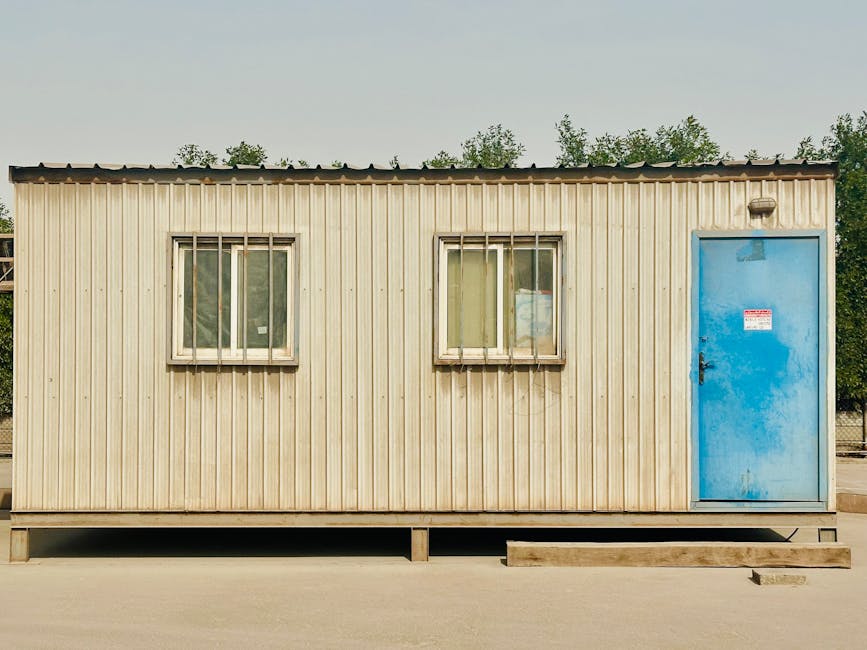
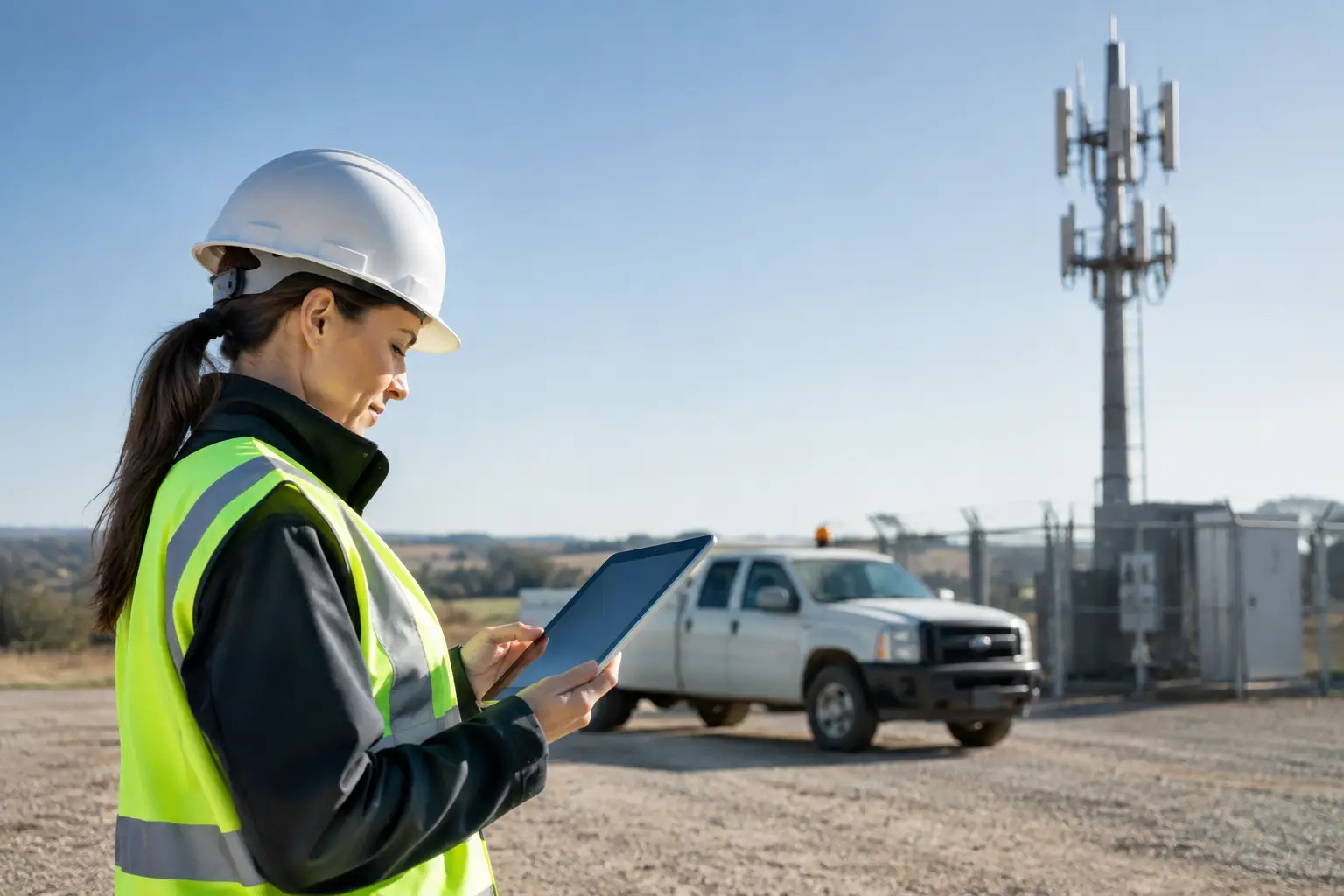
You have a construction site that needs internet today, but fiber is still weeks away from being trenched, and the cellular hotspot you brought from the office drops every time someone walks behind the steel beams. Getting reliable construction site internet access is not just a convenience anymore. It is the difference between a project that runs on schedule and one that bleeds time, money, and crew morale while everyone waits for files to sync. This guide walks you through every viable option for getting a construction site connected, from quick temporary fixes to enterprise-grade managed systems. By the end, you will know exactly which solution fits your project size, location, timeline, and budget, and how to get it deployed without turning your project manager into an IT administrator.
Table of Contents
- Why Construction Sites Need More Than a Hotspot
- The 5 Main Options for Construction Site Internet Access
- How to Choose the Right Solution for Your Construction Site
- The Managed Service Alternative: When DIY Is Not Enough
- Frequently Asked Questions About Construction Site Internet Access
- Summary: Matching the Solution to Your Project
Why Construction Sites Need More Than a Hotspot
A few years ago, a single mobile hotspot in the site trailer was enough. The superintendent checked email, downloaded a few PDFs, and maybe uploaded daily reports. That world is gone. Modern construction workflows depend on cloud-based project management platforms, real-time BIM coordination, video conferencing with off-site stakeholders, and instant document sharing across teams. A 50-megabyte plan set that takes two minutes to download on a weak connection might not sound like a crisis, but multiply that by twenty people across a day and the productivity drain becomes real.
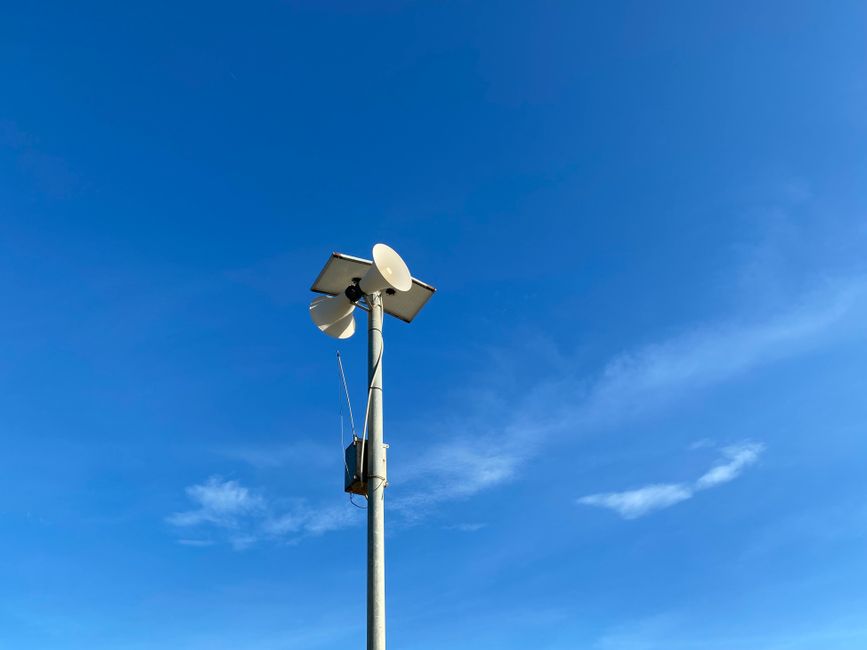
Beyond the trailer, the jobsite itself now demands bandwidth. Security cameras stream video to off-site monitoring centers. IoT sensors track concrete curing temperatures, equipment utilization, and environmental conditions. Asset tracking tags report the location of tools and materials. Crew communication systems, whether traditional two-way radios or modern push-to-talk over LTE, need a network backbone. All of these systems compete for the same limited bandwidth, and when the connection fails, the blind spots are not just inconvenient. They create safety risks, compliance gaps, and expensive delays.
The core problem is timing. Construction sites need connectivity from day one of mobilization, but permanent infrastructure like fiber or cable often takes weeks or months to reach the site. That gap between when the crew arrives and when the utility connection goes live is where projects lose momentum. Common pain points include limited provider options in undeveloped areas, inconsistent signal strength across a sprawling site, long-term contracts that do not match a six-month project timeline, and IT staff spending hours troubleshooting equipment they did not spec and do not understand. The cost of poor connectivity shows up in project delays, safety incidents that could have been prevented, lost productivity, and crews that grow frustrated with tools that do not work.
The 5 Main Options for Construction Site Internet Access
1. Fixed Wireless Access (FWA) Using 4G and 5G Cellular
Fixed Wireless Access uses existing cellular towers to deliver broadband to a fixed location without any wired infrastructure. An outdoor antenna mounted on a trailer, pole, or temporary structure captures the signal, and a router distributes it inside the site office or across the jobsite. This is not the same as a pocket hotspot. The outdoor antenna is directional and far more sensitive, pulling in a stable signal even where a phone shows one bar.
FWA works best for sites within reasonable range of a cell tower, typically three to ten miles depending on terrain and obstructions. Typical download speeds range from 25 to 100 Mbps, though 5G coverage can push that higher in urban areas. The major advantage is deployment speed. Some providers can ship self-install kits that are online within hours, and there is no trenching, no permitting for underground work, and no waiting for a utility crew. Business plans from major carriers increasingly offer no-contract or short-term options suited to construction timelines.
The downsides are real. Signal degrades in rural or heavily wooded areas, and bandwidth is shared with consumer traffic on the same tower, meaning speeds can drop during peak hours. Some plans still impose data caps that make continuous camera streaming impractical. For a medium-sized site in a suburban area with good tower coverage, FWA is often the fastest path to reliable connectivity.
2. Starlink Satellite Internet
Starlink uses a constellation of low-Earth-orbit satellites to deliver broadband to virtually any location with a clear view of the sky. The user installs a phased-array dish that automatically tracks satellites overhead, and a Wi-Fi router provides local connectivity. For construction sites in truly remote locations, greenfield projects with no existing infrastructure, or areas where cellular coverage is nonexistent, Starlink has become the default answer.
Typical download speeds range from 50 to 220 Mbps, with upload speeds between 10 and 20 Mbps, though performance varies by plan, location, and network congestion at any given moment. The equipment cost is currently around $599 for the standard dish, with monthly service plans ranging from $120 for residential use to $500 for business priority plans with higher data allowances and better support. The system is self-installable, and the dish only needs power and a clear sky view to begin operating.
The limitations matter for construction applications. Trees are the enemy. A site surrounded by heavy forest will struggle unless the dish can be mounted high enough to clear the canopy, which may require a temporary tower or pole mount. Latency is higher than terrestrial options, which can affect real-time applications like video conferencing, though in practice most users find it acceptable. Heavy rain or snow can degrade signal, and the equipment represents a non-trivial upfront cost that needs to be factored into project budgets. One construction IT manager on a popular industry forum noted that Starlink "works great in rural areas with trees if you mount it high enough," which is practical advice worth heeding.
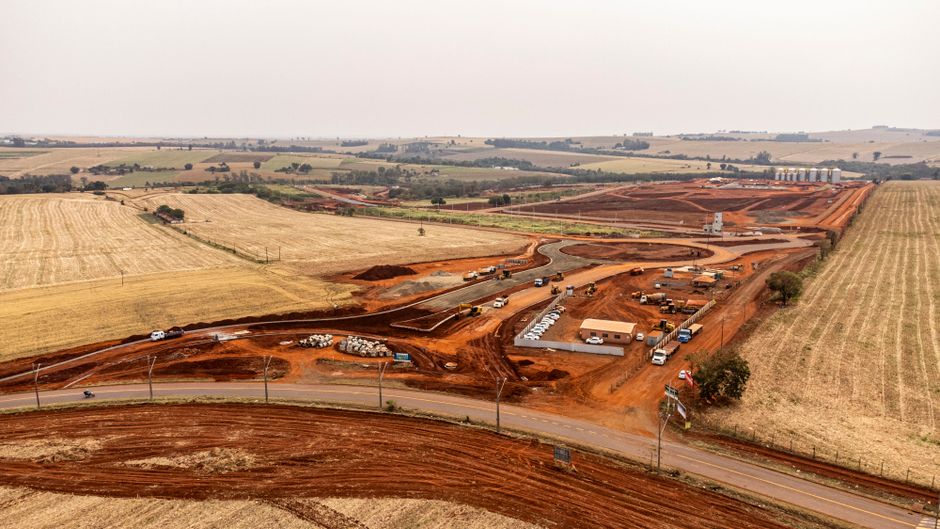
3. Point-to-Point and Point-to-Multipoint Wireless
Point-to-point wireless uses directional antennas to beam internet from a nearby location that already has connectivity to the construction site. If the project is adjacent to an existing building with fiber, or if a tower is within line-of-sight, a dedicated wireless link can deliver bandwidth that rivals wired connections. Point-to-multipoint extends this concept to serve multiple locations from a single source.
This approach covers a wide performance range. Basic systems can deliver 100 Mbps over a few miles. Millimeter-wave and AirFiber equipment can push 10 Gbps over shorter distances, enough to support an entire campus of trailers, cameras, and IoT sensors without breaking a sweat. Because the link is dedicated and not shared with public traffic, latency is low and performance is consistent.
The catch is line-of-sight. Trees, buildings, and terrain can block the signal, and what looks clear from ground level may not be clear at the necessary height. Equipment is needed at both ends, which means the source location must be cooperative and accessible. Antenna placement may require permits or landlord approval, especially for permanent mounts on existing structures. For sites where a fiber-connected building sits within a mile or two with clear visibility, point-to-point wireless can be the highest-performance option available.
4. Mobile Hotspots and LTE/5G Routers
The simplest and most familiar option is a cellular hotspot or router, either the consumer-grade devices sold by carriers or ruggedized business-grade units from companies like Cradlepoint and Peplink. These can sit in a site trailer, be mounted in a vehicle, or be moved around the jobsite as needed.
This category is best for small sites, initial mobilization before a more robust system arrives, single-trailer setups, or as a backup connection to a primary link. Typical speeds range from 10 to 50 Mbps depending on carrier and signal strength. The upfront cost is the lowest of any option, often $50 to $200 for the device, and setup consists of turning it on.
The limitations are significant for any site beyond the smallest scale. Most hotspots support 10 to 30 devices before performance degrades noticeably, and connecting a full trailer of engineers running cloud BIM software will quickly overwhelm the connection. Coverage is entirely dependent on the carrier, and data caps on consumer plans can be a nasty surprise when a project runs over. One Spiceworks community user described mounting a Cradlepoint router in a vehicle on-site as a ruggedized, mobile-ready solution that can move between job sites, which is a clever adaptation for companies running multiple small projects.
5. Private LTE and 5G Networks Using CBRS
Private cellular networks represent the high end of construction site connectivity. Using shared spectrum in the CBRS band (Band 48, around 3.5 GHz) or licensed spectrum, a construction site can deploy its own dedicated cellular network with a small cell or a Cell-on-Wheels (COW) unit. This creates a private, secure wireless environment that covers the entire jobsite, including areas where Wi-Fi struggles like steel-framed structures, underground levels, and outdoor yards with heavy equipment.
Private LTE and 5G networks support hundreds of devices simultaneously with quality-of-service controls that prioritize critical traffic. Push-to-talk handsets, security cameras, IoT sensors, and crew tablets all operate on the same managed network without interfering with each other. Typical speeds range from 100 Mbps to 1 Gbps depending on the backhaul connection feeding the site and the spectrum configuration.
The trade-off is complexity and cost. Deploying a private cellular network requires spectrum coordination, radio planning, and technical expertise that most construction firms do not have in-house. The upfront investment is higher than other options, though managed service models have made this more accessible by bundling everything into a monthly service fee. For large, multi-phase projects, sites with challenging RF environments, or any project where connectivity downtime carries a high cost, private LTE is increasingly the standard rather than the exception.
How to Choose the Right Solution for Your Construction Site
Site Size and Device Count
Start with an honest count of what needs to connect. A small site with one or two trailers and 10 to 20 devices can often get by with a mobile hotspot or a single Starlink dish. A medium site with three to five trailers, 50 to 100 devices, and a few security cameras needs more headroom, making FWA or point-to-point wireless the practical floor. Large sites with multiple trailers, 100-plus devices, cameras, IoT sensors, and push-to-talk systems should be looking at private LTE or a managed hybrid solution that combines multiple backhaul types with site-wide coverage.
Location and Terrain Factors
The physical environment dictates what will actually work. Urban sites with strong cellular coverage from multiple carriers are ideal for FWA, which is often the fastest and most cost-effective option in that setting. Rural sites with trees, hills, or distance from towers may find Starlink to be the only viable option, or point-to-point wireless if a connected building is within line-of-sight. Remote sites with no infrastructure at all need either Starlink or a fully islanded private LTE system that brings its own power. Dense urban canyons with tall buildings blocking sightlines can be surprisingly difficult and may require point-to-point links from a nearby rooftop or private LTE with multiple small cells to fill coverage gaps.
Timeline and Deployment Speed
If the site needs internet today, the options narrow to mobile hotspots or consumer Starlink with self-install, both of which can be running within hours of equipment arrival. If the timeline allows one to three days, FWA with a carrier that offers rapid deployment or self-install kits becomes viable. For point-to-point wireless or managed private LTE, plan for one to two weeks to allow for site surveys, equipment provisioning, and professional installation. Rushing this timeline usually results in a system that underperforms and requires constant attention.
Budget Considerations
The lowest upfront cost comes from mobile hotspots, with equipment ranging from $50 to $200 and monthly service between $50 and $150. Starlink represents a moderate step up at $599 for equipment and $120 to $500 monthly depending on the plan tier. FWA with a business-grade plan typically runs $200 to $500 for equipment and $100 to $300 per month. At the high end, a managed private LTE or hybrid solution can range from $5,000 to $50,000 or more depending on scope, but that figure includes the full service from design through teardown, not just the hardware. The relevant comparison is not the line-item cost of equipment but the total cost of ownership, including the staff time spent managing the connection and the cost of downtime when it fails.
The Managed Service Alternative: When DIY Is Not Enough
Many construction firms underestimate what it takes to keep a jobsite network running reliably. A site survey is not just checking signal bars on a phone. It means understanding RF interference from heavy equipment, metal structures, and neighboring sites. Device provisioning across multiple carriers and technologies is tedious. Ongoing monitoring, troubleshooting, and incident response eat into the project team's time and focus. When the network goes down on a Tuesday afternoon, someone has to drop everything and fix it, and that someone is rarely qualified to diagnose whether the problem is a carrier outage, a misconfigured router, or a cable that got crushed by a forklift.
A managed service handles the entire lifecycle. The provider conducts the site survey, designs the network, provisions all equipment, deploys it, tests it, and monitors it 24/7. When something breaks, the provider fixes it, often before the site even notices there was a problem. At the end of the project, the provider handles decommissioning and removal. The construction firm gets one point of accountability and a service-level agreement that guarantees performance, rather than a pile of hardware and a list of carrier support numbers.
This model is ideal for large sites, multi-phase projects, remote locations, sites with cameras and IoT and push-to-talk requirements, or any project where connectivity downtime translates directly into financial loss. A typical managed service includes either a dedicated onsite resource or 24/7 remote network operations center monitoring, redundant backhaul so no single failure kills the connection, and a seamless cutover to permanent infrastructure when it finally arrives. For the general contractor, the value proposition is simple: the provider owns the outcome, and the project team stays focused on building.
Frequently Asked Questions About Construction Site Internet Access
How do I get internet on a construction site without existing wiring? Options include Fixed Wireless Access using cellular towers, Starlink satellite, point-to-point wireless from a nearby connected building, mobile hotspots, and private LTE networks. None of these require wired infrastructure at the site itself, though some need power and a mounting location.
What is the best internet for rural construction sites? Starlink is often the best option for truly remote sites with no cellular coverage, provided there is a clear sky view. Point-to-point wireless works well if a source location with existing internet is within line-of-sight, which can be several miles with the right equipment.
How much does Starlink cost for a construction site? The standard equipment cost is $599. The residential plan runs $120 per month. Business and priority plans range from $140 to $500 per month with higher data limits, better support, and publicly routable IP addresses that some construction applications require.
Can I use a mobile hotspot for a construction site with 50 or more devices? Not reliably. Most hotspots support 10 to 30 devices before performance degrades significantly. For 50 or more devices, consider Fixed Wireless Access with a business-grade router or a private LTE solution designed for higher device counts.
How fast does construction site internet need to be? For basic email and document access, 10 to 25 Mbps is sufficient. For cloud-based BIM, video conferencing, and streaming security cameras, plan for 50 to 100 Mbps. Large teams running heavy IoT sensor networks and multiple simultaneous video streams should target 200 Mbps or more.
Do I need permits for temporary antennas or satellite dishes? Often yes. Local zoning and building codes frequently apply to ground-mounted dishes and tower-mounted antennas, especially above certain heights. Check with the local jurisdiction before installing permanent-looking mounts, even for temporary deployments.
Summary: Matching the Solution to Your Project
Small, short-term sites with minimal device counts are well served by mobile hotspots or Starlink, prioritizing low cost and fast setup. Medium sites in urban areas with good cellular coverage should look at Fixed Wireless Access for a balance of speed, reliability, and moderate cost. Medium sites in rural locations will likely find Starlink or point-to-point wireless to be the best fit, depending on whether a source location is within line-of-sight. Large, multi-phase projects with high device counts, cameras, and crew communication systems should evaluate private LTE or a managed hybrid solution that delivers the highest capacity with full support. Remote, off-grid sites need either Starlink or an islanded private LTE system that includes its own power generation.
The right starting point is always a site survey that accounts for device count, bandwidth requirements, location constraints, and project timeline. Consider the total cost of ownership, not just the equipment price: installation, monthly service, management time, and eventual removal all factor into the real cost. For projects where connectivity is mission-critical, a managed service eliminates the risk of getting it wrong and frees the project team to focus on the work they were hired to do.
September 20, 2026

September 20, 2026
September 20, 2026
September 20, 2026
